A useful pause in your day
A free Yosemite calculator with peaceful scenery
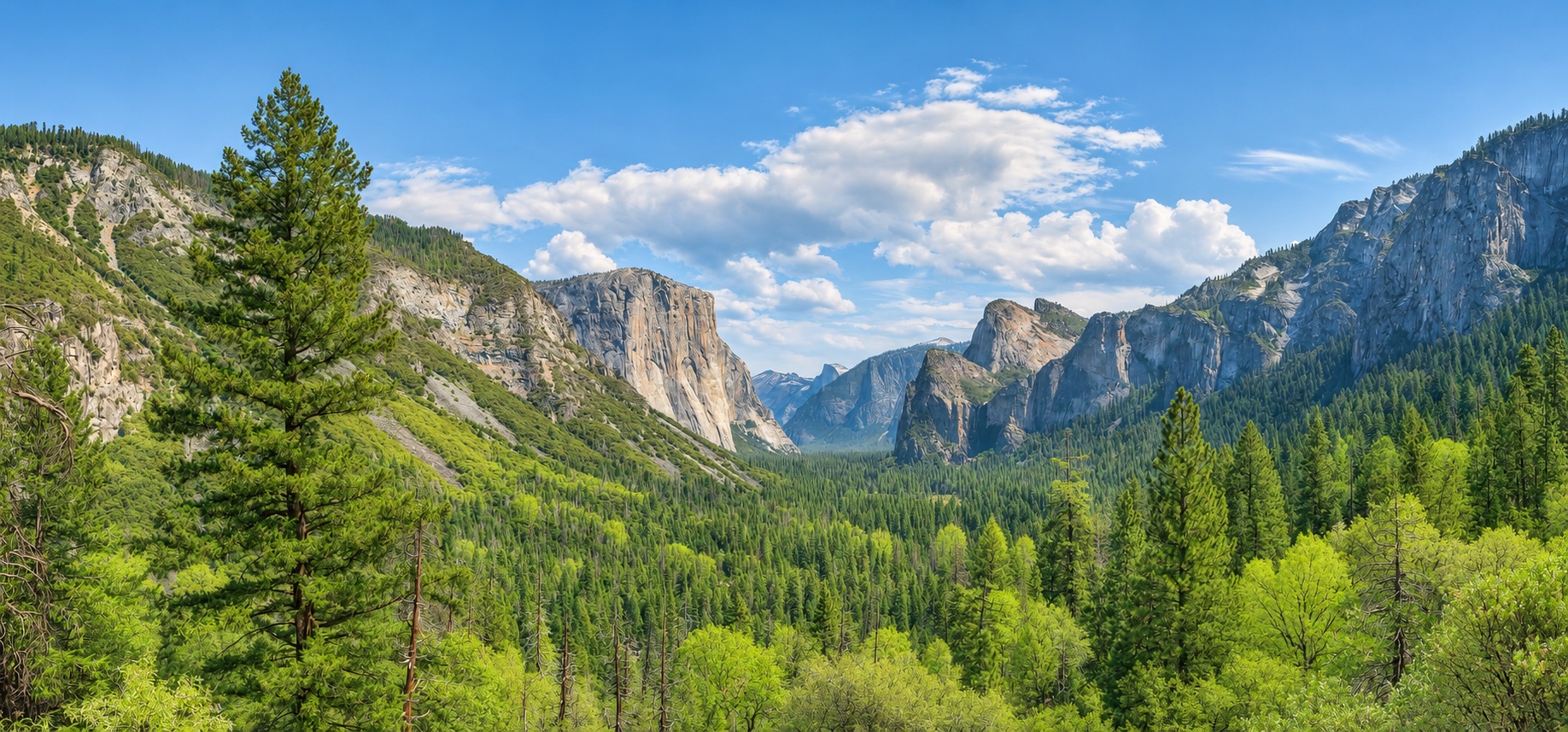
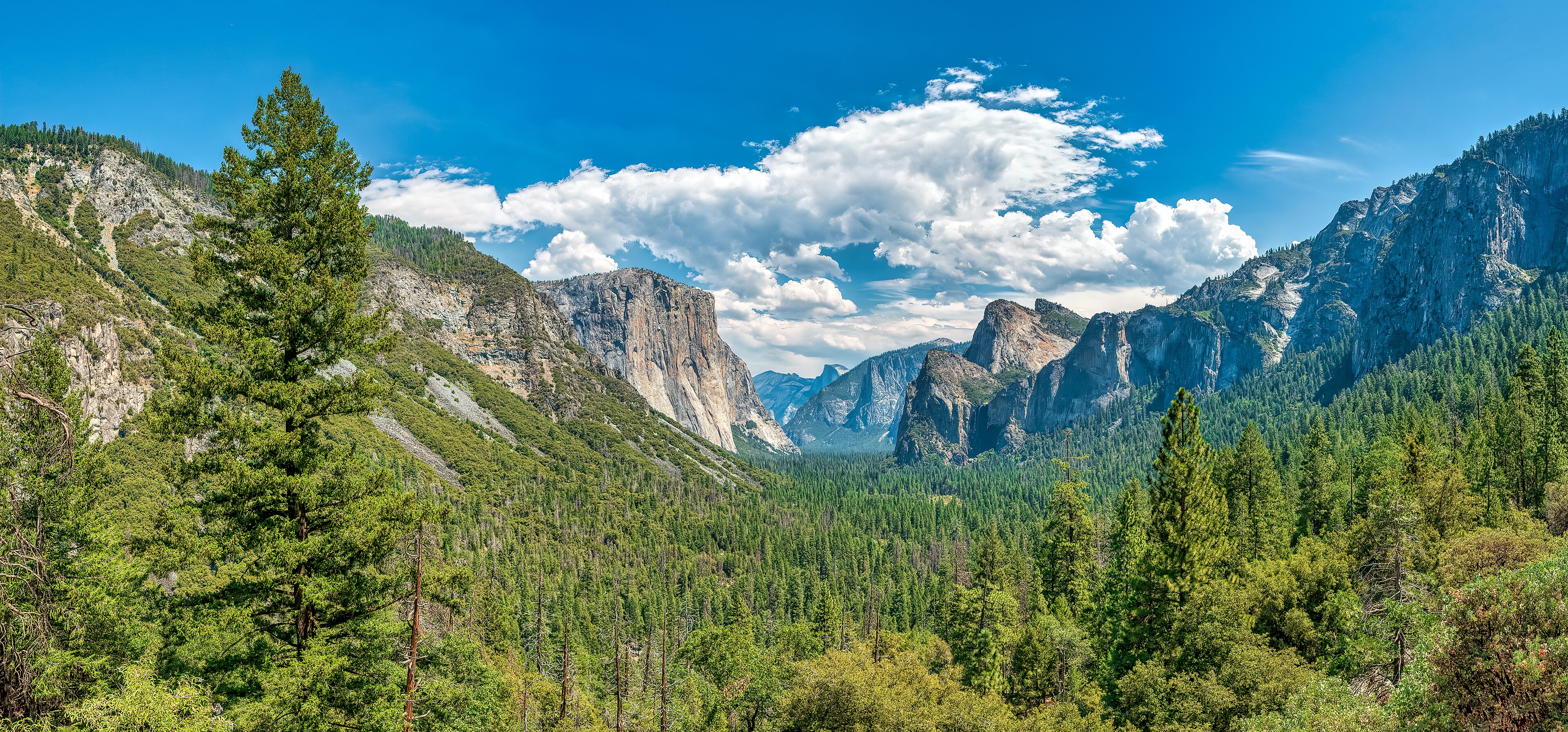
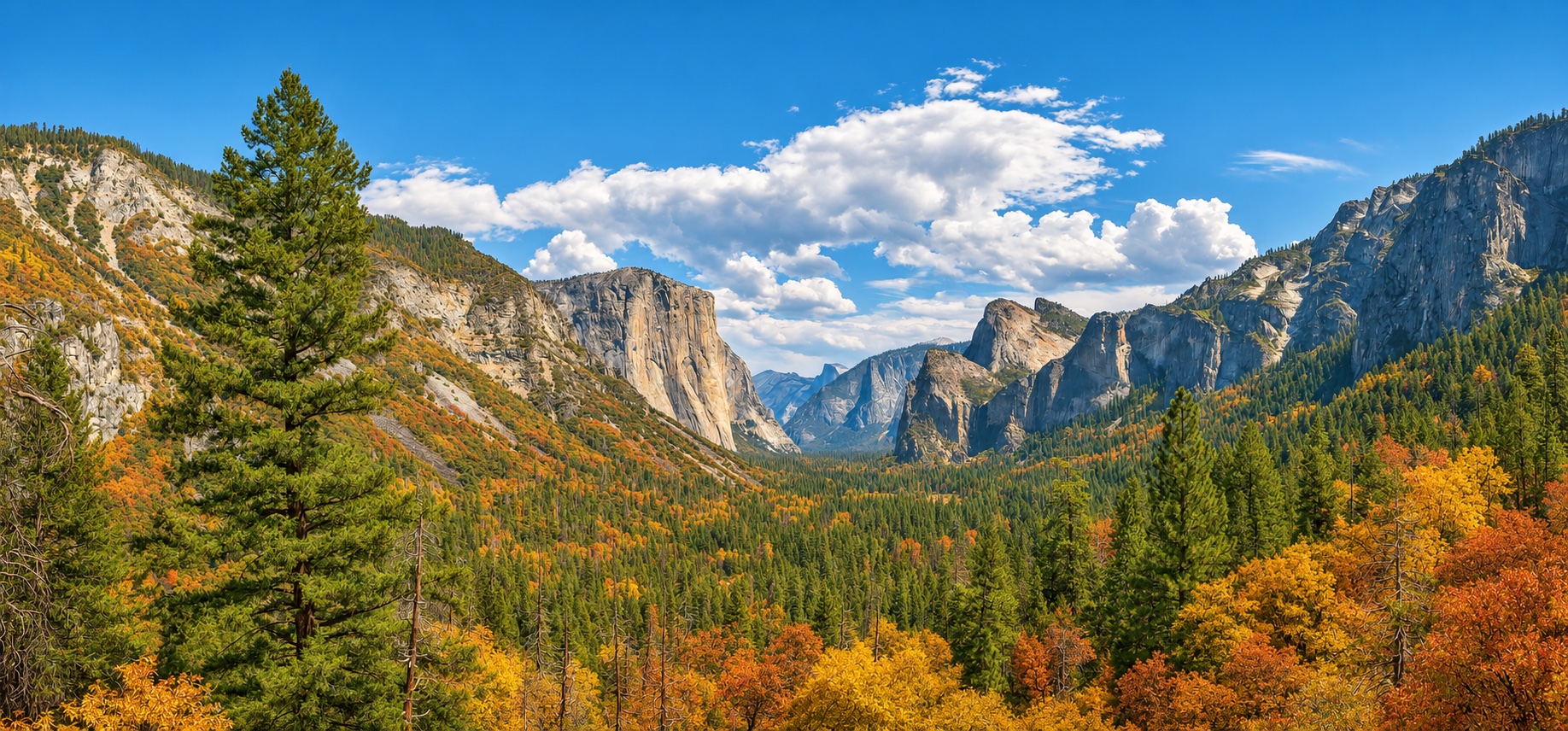
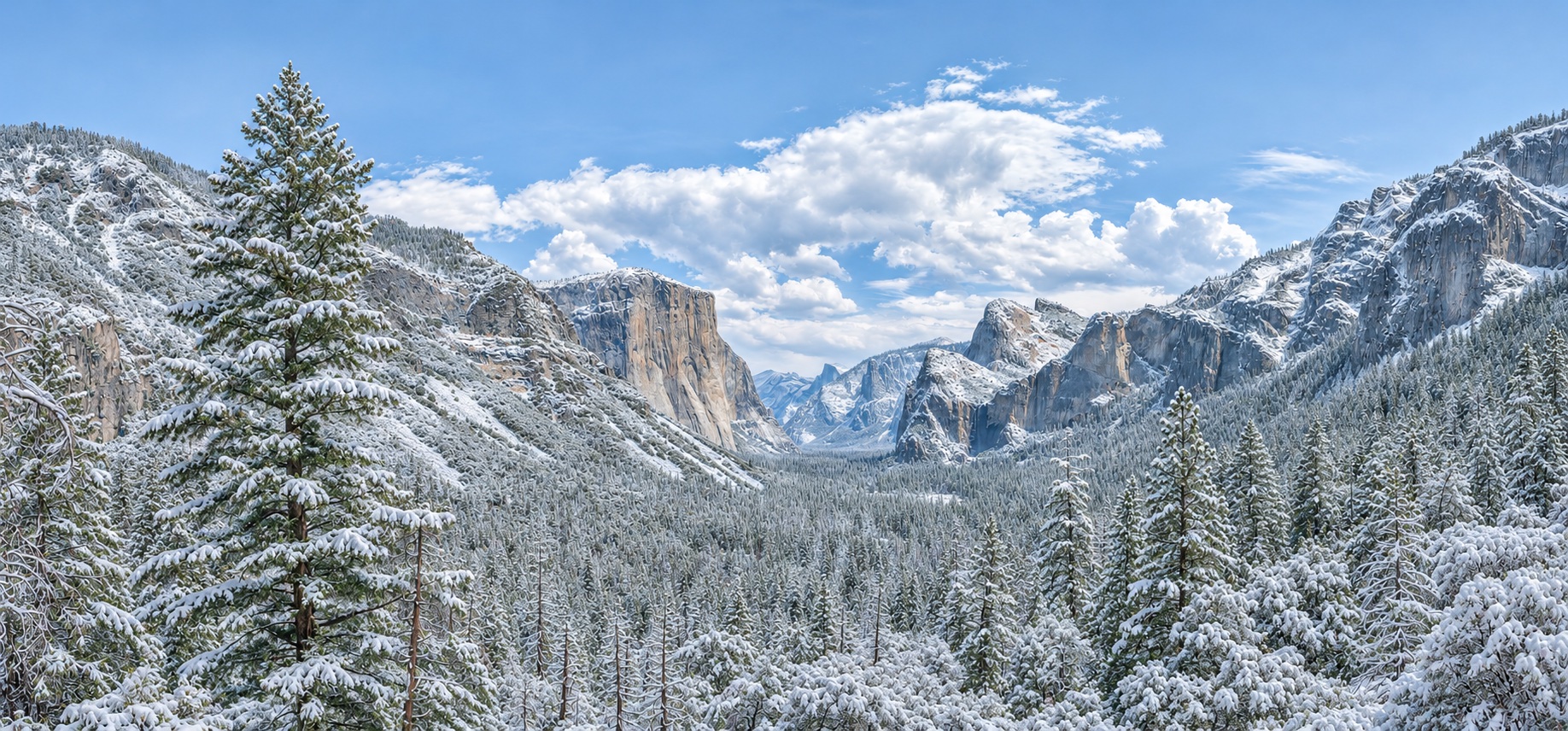
The Yosemite Valley Calculator is a simple four-function calculator designed to stay open while you work, study, plan, or take a quiet moment. It combines a practical calculator with an ambient landscape based on a real photograph of Yosemite Valley. Slow cloud banks move across the scene, a distant waterfall and mist add gentle motion, and the light changes as the landscape travels through spring, summer, autumn, and winter.
How to use the calculator
Tap or click the number and operator buttons for addition, subtraction, multiplication, division, percentages, decimals, and sign changes. On a keyboard, use the number keys, +, −, ×, ÷, Enter or =, Backspace, and Escape. The calculator keeps the landscape visible instead of covering the screen with a solid interface.
Make it a calm full-screen background
Choose Full screen to fill the display. Open the season control in the upper-left corner to pause the motion, visit a specific season, change the length of the seasonal cycle, or choose Scenery only when you want the calculator to disappear temporarily. Your season and motion preferences are stored only in your browser when local storage is available. No calculation history, account information, or personal data is sent or saved by this page.
Motion and accessibility
The controls have keyboard focus indicators and descriptive labels. If your device is set to reduce motion, the animated landscape pauses automatically. You can also pause the motion at any time without affecting the calculator. The layout adapts to phones, tablets, and desktop screens.
The original summer landscape is a photograph by Sergei Mutovkin, used under the Creative Commons Attribution 2.0 license. Seasonal adaptations and ambient effects were created for this interactive experience.